How to Calibrate Contour Next Test Strips
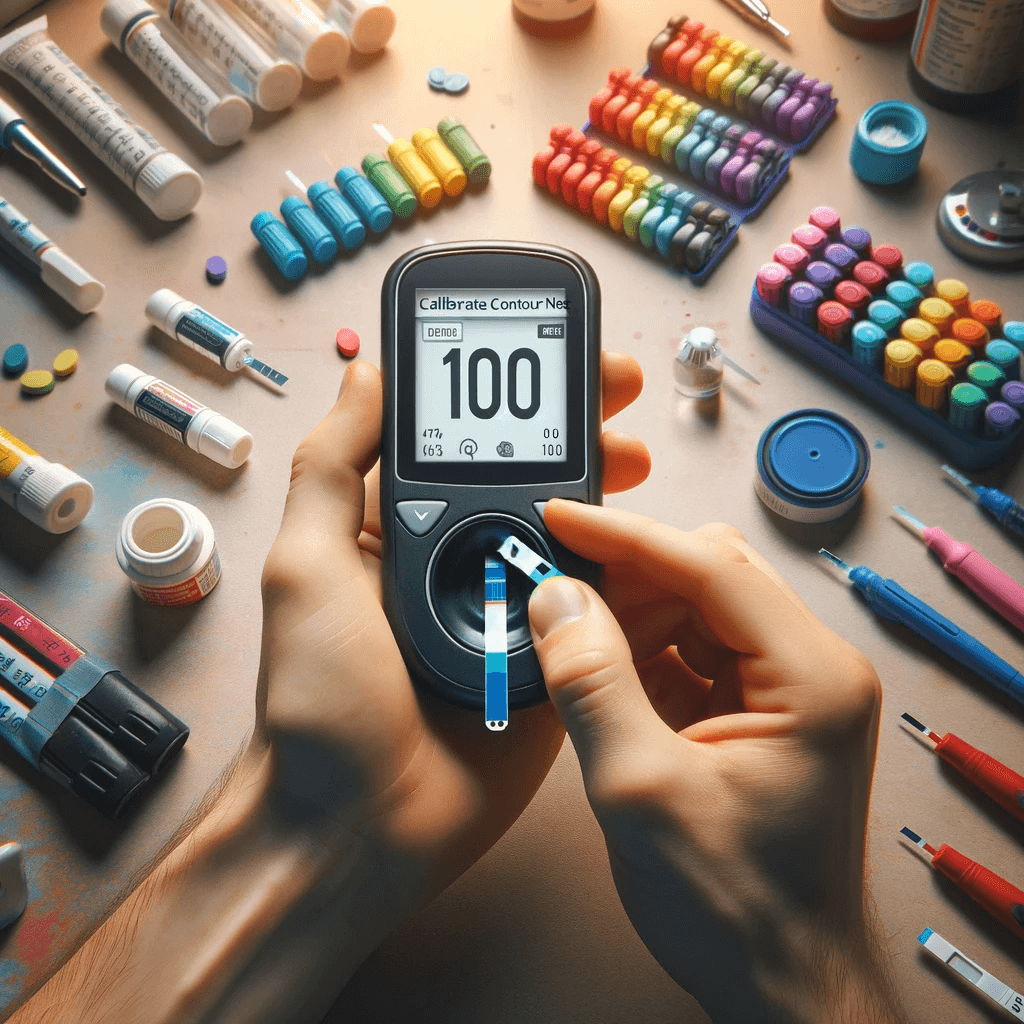
Accurate blood glucose monitoring is crucial for managing diabetes, and the reliability of test strips plays a pivotal role in ensuring precise readings. Among the various brands available, Contour Next Test Strips are known for their accuracy and user-friendly design. However, even the most advanced technology requires occasional calibration to maintain optimal performance. In this guide, we'll walk you through the simple steps to calibrate Contour Next Test Strips so you can confidently manage your blood glucose levels with precision and peace of mind.
Calibrate Contour Next Test Strips for Accuracy
Why Calibration Matters
Calibration involves aligning your glucose meter with a known glucose concentration to ensure accurate readings. Since factors like temperature, humidity, and manufacturing variations can affect test strip performance, calibration compensates for these factors and provides accurate results.
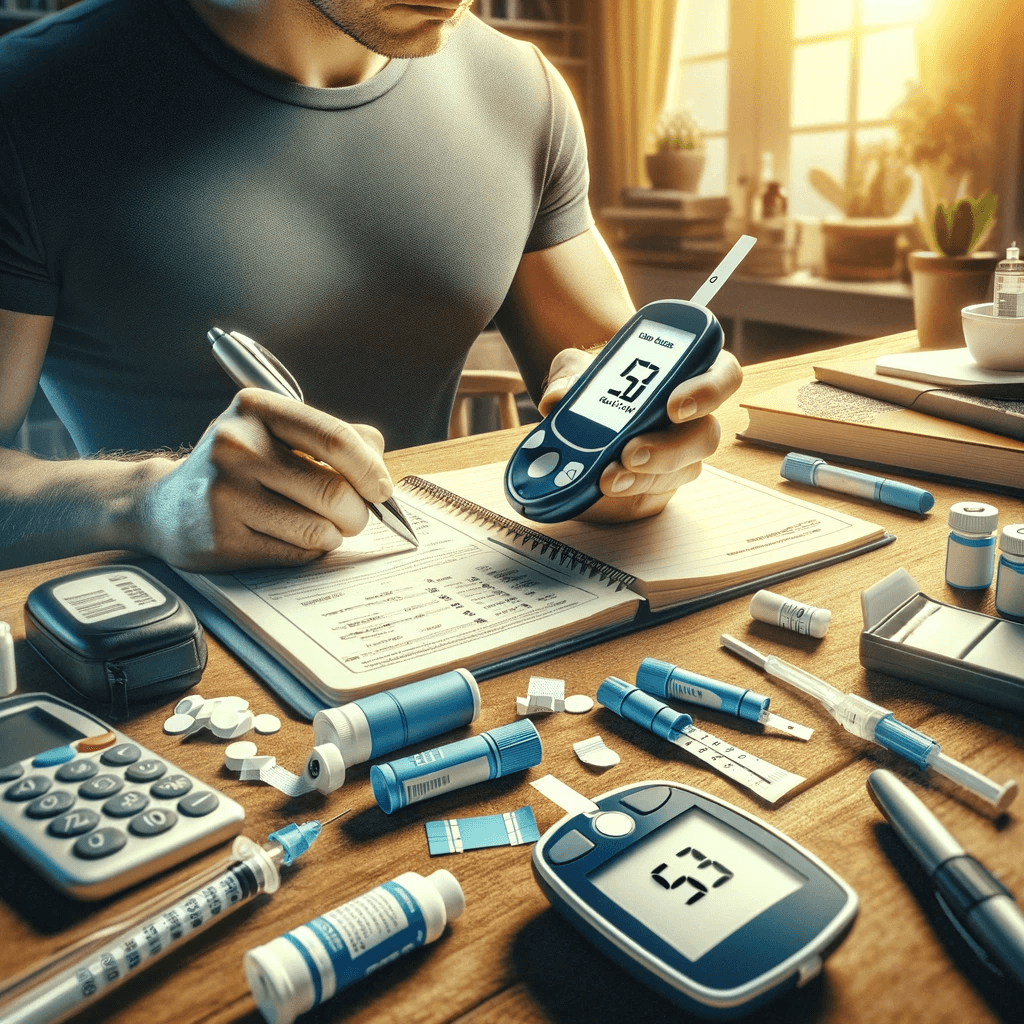
How to Calibrate Contour Next Test Strips & Meters: Step-by-Step
- Gather Your Contour Next Test Strips, Meter & Supplies
- Your Contour Next glucose meter
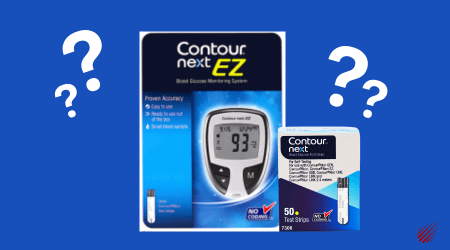
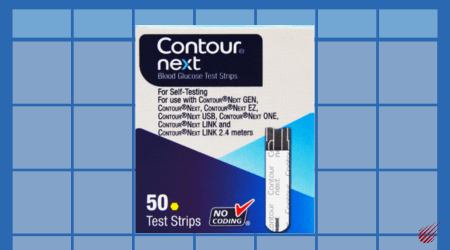
- A new, unopened vial of Contour Next Test Strips
- A bottle of Contour Next control solution (usually found in the meter box)
- A clean tissue or alcohol swab
- Prepare Your Contour Next Glucose Meter
- Turn on your Contour Next meter and ensure it's ready for testing. Check that the meter's date and time settings are accurate.
- Use Contour Next Control Solution (Shake bottle at least 15 times before use to ensure accuracy)
- Remove the test strip from the bottle and firmly snap the lid closed.
- Hold the test strip with the grey square end facing up.
- Insert the grey square end of the test strip into the test strip port until the meter beeps.
- The meter will turn on and show a test strip with a flashing blood drop.
- Shake the control solution bottle well, about 15 times before every use.
- Remove the bottle cap and use a tissue to wipe away any solution around the bottle tip before dispensing a drop.
- Squeeze a small drop of solution onto a clean nonabsorbent surface. Do not apply control solution to your fingertip or to the test strip directly from the bottle.
- Immediately touch the tip of the test strip to the drop of control solution.
- Hold the tip in the drop until the meter beeps.
- The meter will count down for 5 seconds and the control test result will display on the meter. It will be automatically marked as a control test and stored in the Logbook. Control test results will not be included in your blood sugar averages.
- Compare your control test result with the range printed on the test strip bottle or the bottom of the test strip box.
- Remove the test strip and dispose as medical waste.
- These instructions on how to use Contour Next Control Solution can be found at Ascensia's website.
- Perform a Test
- Insert the Contour Next Test Strip into the meter and apply the control solution to the strip in the same way you would with a blood sample. The meter will process the solution and display a result.
- Compare the Result
- Check the glucose meter's result against the expected glucose concentration indicated on the control solution's packaging. The result on your meter should fall within an acceptable range around the expected value.
- If the result is within the acceptable range, your meter is calibrated and ready for use. If the result deviates significantly from the expected value, follow the manufacturer's instructions for troubleshooting or recalibration.
- Repeat Regularly
- Calibration isn't a one-time task. It's recommended you regularly calibrate Contour Next Test Strips, especially when you open a new vial of test strips or if you suspect your meter's accuracy is compromised.
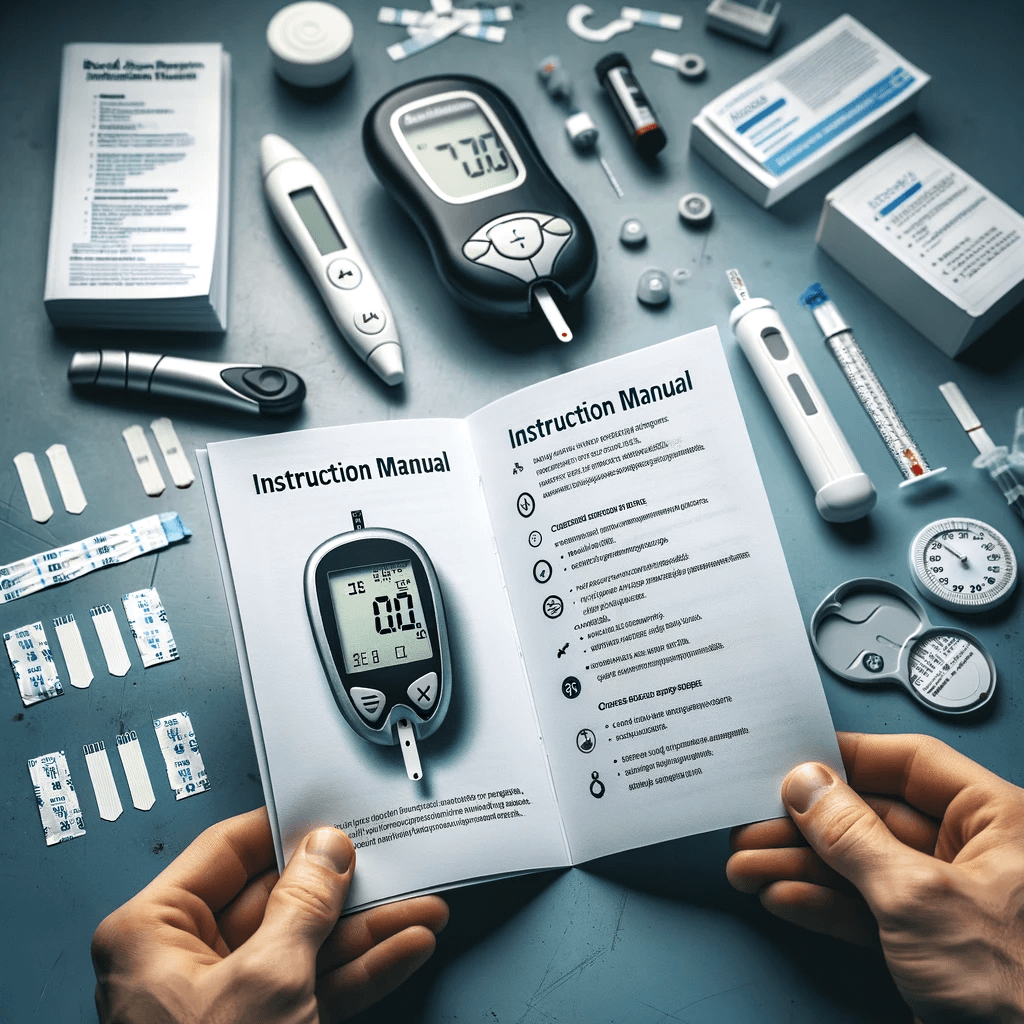
Instruction Manuals for Contour Next Meters
- Contour Next EZ Meter (English)
- Contour Next One Meter (English)
- Contour Next EZ Meter (Spanish)
- Contour Next One Meter (Spanish)
Calibrate Contour Next Test Strips: Final Thoughts
Accurate calibration of Contour Next Test Strips is a crucial step to achieving reliable blood glucose readings. By following the steps outlined above and adhering to the manufacturer's instructions, you can ensure that your Contour Next Test Strips consistently provide accurate results, allowing you to manage your diabetes effectively. Always consult your healthcare provider if you have any concerns about your blood glucose monitoring routine.
Guides to Using Contour Next Test Strips
How to Save Money on Contour Next Test Strips
-
Contour Next Test Strips Price Comparison: Amazon Vs Walmart | Best Deals
-
50 Count vs 70 Count - Save on Contour Next Test Strip Pricing
-
Lowest Price Contour Next Test Strips - 34 Cents in November 2023
Calibrate Contour Next Test Strips: Related Products
Bayer Ascensia Contour Next 50 Blood Glucose Test Strips

$18.99
Ascensia Contour Next Test Strips innovative strips offer accuracy, reliability, and convenience, empowering you to effortlessly monitor your blood glucose levels with confidence. With advanced features...… read more
About xeteor.com
xeteor.com, started in 2018 is based in Las Vegas, Nevada and is online pharmacy focusing on discount over-the-counter generic medications and diabetic test strips. We find deals normally reserved for "big pharma" and offer them to the consumer at discount prices. Ranking as the #1 authorized online reseller of Rugby Laboratories products according to Trustpilot.com, xeteor.com has 8,000+ 5-star reviews online, including Amazon, eBay, Trustpilot, and Google. xeteor.com is a Google Top Quality Store, earned by merchants that provide a great shopping experience.
Shipping Time & Cost
All items ship same day when purchased by 3 pm PST Monday - Friday. We offer free shipping nationwide with no minimum order. Shipping times are between 3 to 8 business days, with an average of 3.3 business days. A link to our full shipping policy is here.
Payment Options
We offer multiple convenient payment options, including Visa, Mastercard, Discover, American Express, Google Pay, Apple Pay, PayPal and Venmo.
Return Policy
We offer a 100% satisfaction guarantee. If you are not satisfied with the product, you may return it up to 100 days from the date of purchase. We offer free return shipping to ensure you can try the product risk free. A link to our full return policy is here.
How to Reach Us?
If you have questions about the product or need assistance, we are happy to talk on the phone. Call us at 1-833-787-4777 between 9 am - 5 pm PST Monday - Friday. You can also email us at [email protected] or text us at 702-659-7022. A link to our full contact us page is here.
Disclaimer: This post is intended for informational purposes only. It is not a substitute for professional medical advice, diagnosis, or treatment. Always consult your doctor or another qualified health provider with any questions you may have regarding a medical condition or before starting any new treatment. Do not disregard professional medical advice or delay in seeking it because of something you have read in this post.