Contour Next Error Codes: E2, E8, E20 & Troubleshooting Guide

Table of Contents
- Quick Answer: What Do Contour Next Error Codes Mean?
- Contour Next ONE Error Codes
- Why Does My Contour Next ONE Show E8 or E20?
- Contour Next GEN and Older ONE Error Codes: E1 to E8
- Contour Next E2 Error: What Does It Mean?
- Contour Next E8 Error: What Does It Mean?
- Contour Next E20 Error: What Does It Mean?
- Contour Next Temperature Error Codes: E24, E25, E27 and E28
- Contour Next System Error Codes: E30 to E99
- Contour Next EZ Error Codes
- 3 Common Types of Contour Next Error Codes
- How to Reduce Contour Next Test Strip Errors
- What If a Contour Next Error Keeps Coming Back?
- Joe's Translation: Contour Next Error Codes
- Contacting Ascensia About a Contour Next Error
- Contour Next Error Codes: Related Guides
- Bottom Line: Contour Next Error Codes
- Contour Next Error Codes: Products Mentioned
- About Xeteor
- Frequently Asked Questions
Contour Next error codes can mean different things depending on which Contour Next meter you are using and, in some cases, which version of the meter manual applies to your device. That is why an E2 on one Contour Next model may not have exactly the same definition as an E2 shown in another model's guide.
This guide covers common error codes for the Contour Next ONE, Contour Next GEN, and Contour Next EZ, including frequently searched codes such as E2, E8, and E20. It also explains what to do when a code keeps returning.
For meter and test-strip compatibility, see our Contour Next Test Strips Compatibility Guide.
November 2026 Update: Contour Next Test Strips Supply
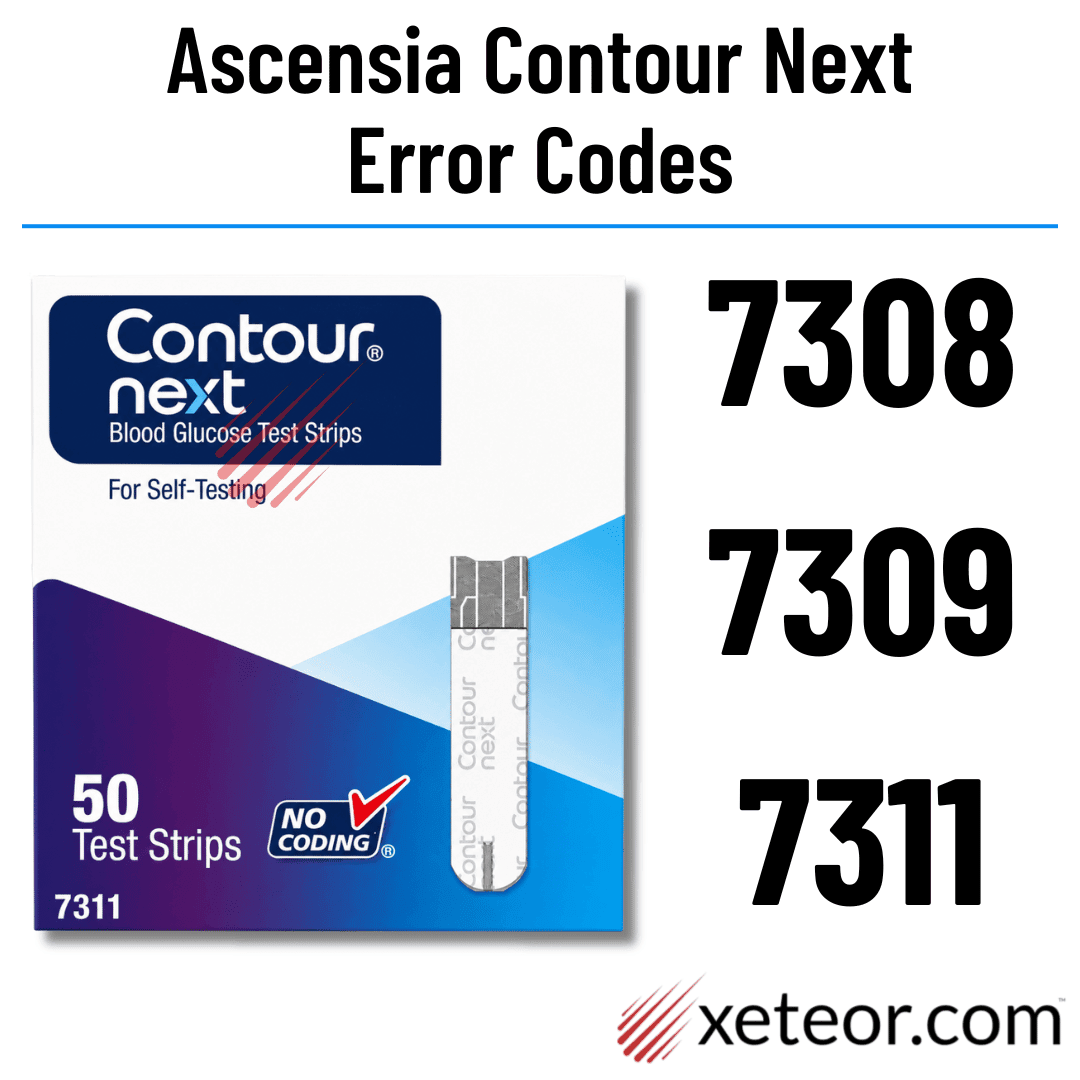
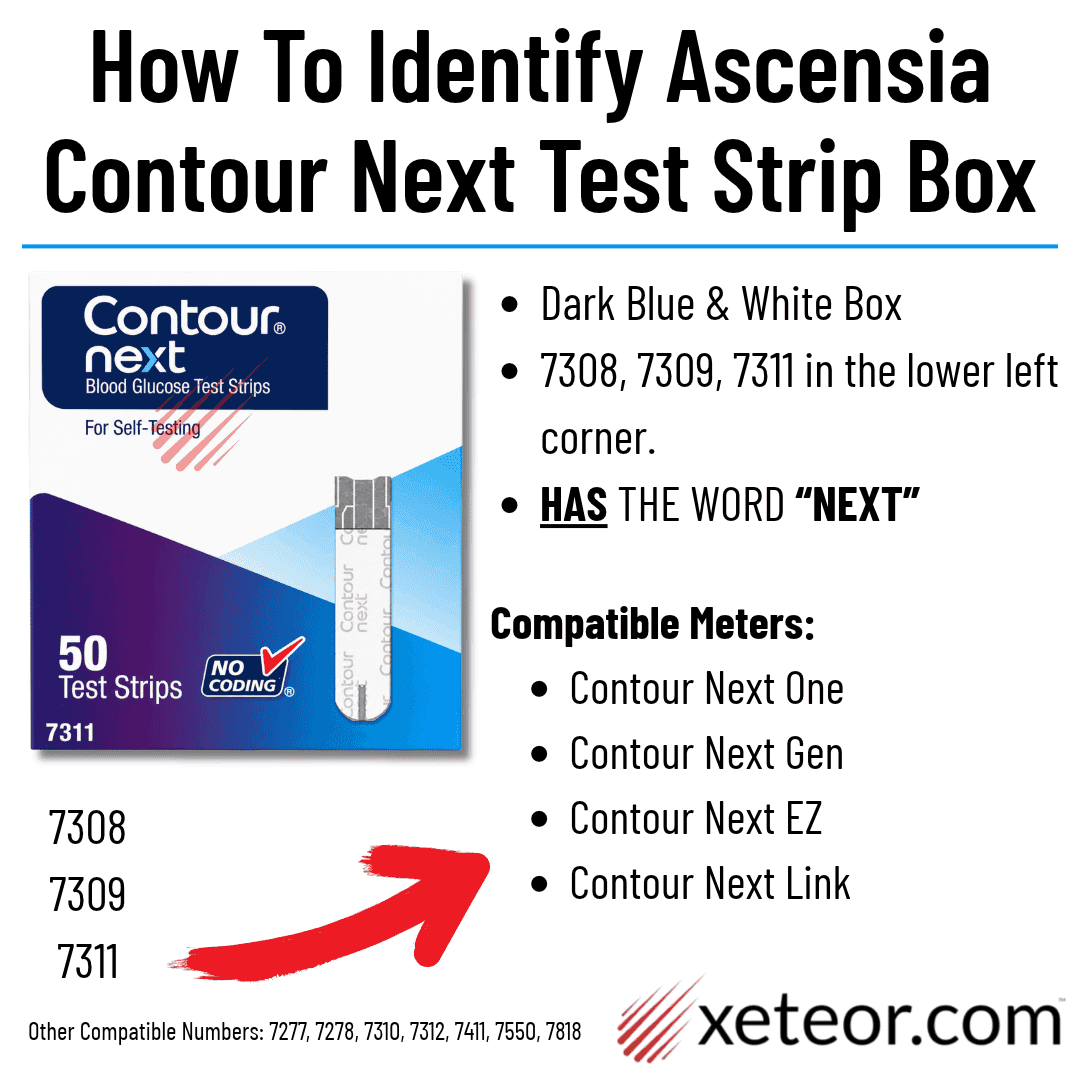
Contour Next remains a current mainstream glucose-testing system with stable replacement-strip availability. The 7308, 7309, and 7311 package numbers all belong to the same Contour Next 50-count strip family. The numbers reflect the original sales channel rather than a difference in strip compatibility.
Contour Next Test Strips - 7311: ✅ Stable Supply
Contour Next - 7308: ❌ Unavailable — Medicare package
Contour Next - 7309: ❌ Unavailable — Health Insurance package
Quick Answer: What Do Contour Next Error Codes Mean?
A Contour Next error code tells you that the meter detected a problem with the test strip, sample, testing conditions, control solution, or the meter itself.
The important part is to identify your exact meter before looking up the code. Contour Next ONE, Contour Next GEN, and Contour Next EZ do not necessarily use identical error-code definitions.
| Meter | Examples of Error Codes |
|---|---|
| Contour Next ONE | Current guide: E1, E2, E3, E11. Older ONE manuals also document codes including E4, E6, E8, E20, E24, E25, E27, E28, and E30-E99. |
| Contour Next GEN | E1, E2, E3, E4, E6, E8, E20, E24, E25, E27, E28, and E30-E99. |
| Contour Next EZ | Current quick-reference materials emphasize E1, E2, E3, and E11. Other EZ documentation includes additional meter and system codes. |
Why the difference? Ascensia has produced multiple Contour Next meters and revised its user guides over time. Always match the error code to your exact meter model and, when possible, the user guide supplied with that meter.
Contour Next ONE Error Codes
Ascensia's current Contour Next ONE user guide lists the following primary error messages:
| Code | What It Means | What to Do |
|---|---|---|
| E1 | Temperature is outside the meter's operating range. | Move the meter into its operating temperature range and retest. |
| E2 | The test strip did not fill completely. | Discard the strip and retest with a new Contour Next strip. |
| E3 | The meter detected a used strip, or the wrong control solution was used. | Use a new strip. If performing a control test, use Contour Next control solution. |
| E11 | Abnormal result. | Repeat the test using a new strip. |
Why Does My Contour Next ONE Show E8 or E20?
If you have a Contour Next ONE and see an error such as E8 or E20, you are not necessarily imagining a code that "isn't supposed to exist."
Older Contour Next ONE documentation includes a broader error-code system that contains E8, E20, temperature-related codes, and E30-E99 system errors. Ascensia's newer online ONE guide presents a shorter set of common error messages.
If your actual meter displays E8, E20, or another code not listed in the current short table above, use the broader table below and check the user guide that came with your specific meter.
Contour Next GEN and Older ONE Error Codes: E1 to E8
The following definitions appear in Ascensia's Contour Next GEN documentation and in older Contour Next ONE documentation.
| Code | Meaning | What to Do |
|---|---|---|
| E1 | Too little blood. | Remove the strip and repeat the test with a new strip. |
| E2 | Used test strip. | Remove the strip and repeat with a new strip. |
| E3 | Strip inserted upside down. | Remove the strip and insert it correctly. |
| E4 | Wrong test strip inserted. | Remove it and repeat the test using a Contour Next test strip. |
| E6 | Moisture-damaged strip. | Discard the strip and retest with a new one. |
| E8 | Strip or testing error. | Repeat the test with a new strip. If E8 continues, contact Ascensia Customer Service. |
Contour Next E2 Error: What Does It Mean?
E2 is a good example of why the meter model matters.
- Current Contour Next ONE: E2 means the strip did not completely fill with the blood sample.
- Contour Next GEN and older ONE documentation: E2 means the meter detected a used test strip.
In either situation, the practical next step is similar: remove the current strip and repeat the test using a new Contour Next test strip.
Contour Next E8 Error: What Does It Mean?
On Contour Next systems that use the broader error-code set, E8 means a strip or testing error.
Remove the current strip and repeat the test using a new Contour Next strip. Make sure the strip is dry, undamaged, within its expiration date, and stored correctly.
If E8 continues after retesting with a fresh strip, contact Ascensia Customer Service rather than repeatedly using additional strips.
Contour Next E20 Error: What Does It Mean?
E20 indicates a testing error on Contour Next meters that use the broader code system.
Remove the current test strip, insert a new Contour Next strip, and repeat the test. If the E20 error continues, Ascensia recommends contacting Customer Service.
An E20 does not by itself tell you that the glucose result was high or low. It indicates that the meter could not successfully complete the test.
Contour Next Temperature Error Codes: E24, E25, E27 and E28
| Code | Meaning | What to Do |
|---|---|---|
| E24 | Too cold to test control solution. | Move the meter, strip, and control solution to a warmer area. Wait about 20 minutes before testing. |
| E25 | Too hot to test control solution. | Move the meter, strip, and control solution to a cooler area. Wait about 20 minutes before testing. |
| E27 | Too cold to perform a blood glucose test. | Move the meter and strip to a warmer area and wait about 20 minutes. |
| E28 | Too hot to perform a blood glucose test. | Move the meter and strip to a cooler area and wait about 20 minutes. |
If you are seeing a temperature error, do not try to speed up the adjustment by placing the meter or strips next to a heater, in a refrigerator, or in a freezer. Allow them to adjust naturally to an appropriate testing environment.
Contour Next System Error Codes: E30 to E99
On meters using the broader error-code system, E30 through E99 indicate a meter software or hardware malfunction.
- Turn the meter off.
- Turn the meter back on.
- Try the test again if the error has cleared.
- If the system error returns, contact Ascensia Customer Service.
Repeated E30-E99 errors are different from a simple used-strip or insufficient-sample error. If the meter repeatedly reports a system malfunction, replacing test strips alone may not solve the problem.
Contour Next EZ Error Codes
Current Contour Next EZ quick-reference materials use the following commonly listed codes:
- E1: Temperature out of range.
- E2: The test strip did not fill completely.
- E3: A used test strip was detected or the wrong control solution was used.
- E11: Abnormal result.
Some Contour Next EZ manuals contain additional error codes. If your EZ displays a code not listed above, check the user guide that came with your specific meter before assuming the code means the same thing as it does on a Contour Next GEN or older ONE.
3 Common Types of Contour Next Error Codes
Although the exact number can vary by meter, most Contour Next error codes fall into three broad categories:
- Strip or sample errors: Problems such as insufficient blood, a used strip, a damaged strip, an incorrectly inserted strip, or the wrong strip type.
- Testing-condition errors: Temperature or control-testing conditions that are outside the meter's specified range.
- System errors: Problems with the meter's hardware or software that may require restarting the meter or contacting Ascensia.
How to Reduce Contour Next Test Strip Errors
- Use the correct strips: Contour Next meters require Contour Next test strips. See our Contour Next Test Strips Compatibility Guide.
- Use a new strip for each test: Never reuse a blood glucose test strip.
- Keep strips dry: Close the test strip bottle immediately after removing a strip and keep strips in their original container or packaging.
- Check expiration dates: Do not use expired test strips.
- Insert the strip correctly: Follow the orientation shown in your meter's user guide.
- Wait for the meter prompt: Apply blood only after the meter indicates that it is ready for the sample.
- Apply enough blood: An incomplete sample can trigger an error on compatible models.
- Allow temperature adjustment: If the meter or strips were moved between substantially different environments, allow them time to adjust before testing.
What If a Contour Next Error Keeps Coming Back?
If an error returns after you have followed the recommended troubleshooting steps, stop repeatedly consuming test strips and identify whether the problem is with the strip, meter, control solution, testing conditions, or testing technique.
A Contour Next control solution test can help check whether the meter and test strips are working together properly. See our Contour Next Calibration & Control Solution Guide.
If the meter continues to display the error, contact Ascensia Diabetes Care Customer Service.
Joe's Translation: Contour Next Error Codes
- The Formula: Contour Next error codes are model-specific. Current ONE and EZ guides emphasize E1, E2, E3, and E11, while GEN and older ONE documentation use the broader E1-E99 error system.
- Plain English: Don't Google the number by itself and assume every Contour Next meter uses the same definition. First check whether you have a ONE, GEN, EZ, or another Contour Next meter.
- Reach for this when: Your meter displays an error instead of a glucose result. Match the code to your meter, follow the recommended fix, and contact Ascensia if the same error keeps returning.
Contacting Ascensia About a Contour Next Error
If you cannot resolve a persistent Contour Next meter error, Ascensia Diabetes Care Customer Service can help troubleshoot the meter.
Phone: 1-800-348-8100
Hours: Monday through Sunday, 8:00 AM to 12:00 Midnight Eastern Time
Languages: English and Spanish support is available.
Before calling, have the following nearby:
- Your Contour Next meter
- Your Contour Next test strips
- Your Contour Next control solution, if available
- The meter's model and serial number
- The expiration date and lot information from the test strips
- The exact error code shown on the meter
Contour Next Error Codes: Related Guides
- Contour Next Test Strips Guide: Main overview of Contour Next meters, strips, supply, and buying options.
- Contour Next Test Strips Compatibility: Confirm which strips and package numbers work with Contour Next meters.
- Contour Next Calibration & Control Solution Guide: Learn how control testing works and what to do with an out-of-range control result.
- Contour Next Test Strip Prices: Compare current Contour Next pack sizes and price per strip.
Bottom Line: Contour Next Error Codes
Contour Next error codes should always be matched to the specific meter displaying them. Current Contour Next ONE and EZ materials commonly list E1, E2, E3, and E11, while Contour Next GEN and older ONE documentation use a broader system that includes E4, E6, E8, E20, temperature codes, and E30-E99 system errors.
For common strip or testing errors, the first step is often to remove the current strip and repeat the test with a new Contour Next test strip. Temperature errors require allowing the meter and strips to return to an appropriate testing environment, while repeated system errors may require Ascensia support.
If you are unsure whether you are using the correct strips, see our Contour Next Test Strips Compatibility Guide.
Contour Next Error Codes: Products Mentioned
Bayer Ascensia Contour Next 50 Blood Glucose Test Strips
$27.99
Contour Next Blood Glucose Test Strips – 50 Count | No Coding Technology Reliable, Highly Accurate Blood Glucose Testing with Second-Chance® Sampling Ensure reliable and… read more
View Product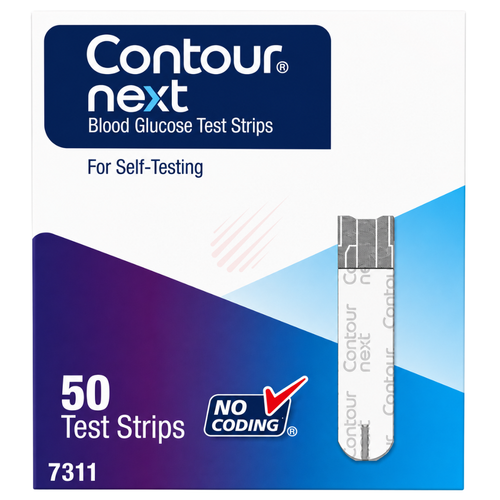
Ascensia Contour Next 50 Blood Glucose Test Strips (2 Pack)
$53.98
Contour Next Blood Glucose Test Strips – 50 Count (2-Pack Bundle) | No Coding Technology Reliable, Highly Accurate Blood Glucose Testing with Second-Chance® Sampling in… read more
View Product
Ascensia Contour Next 50 Blood Glucose Test Strips (4 Pack)
$99.96
Contour Next Blood Glucose Test Strips – 50 Count (4-Pack Bundle) | No Coding Technology Reliable, Highly Accurate Blood Glucose Testing with Second-Chance® Sampling in… read more
View Product
Ascensia Contour Next 50 Blood Glucose Test Strips (6 Pack)
$147.96
Contour Next Blood Glucose Test Strips – 50 Count (6-Pack Bundle) | No Coding Technology Reliable, Highly Accurate Blood Glucose Testing with Second-Chance® Sampling in… read more
View Product
Ascensia Contour Next 50 Blood Glucose Test Strips (12 Pack)
$287.88
Contour Next Blood Glucose Test Strips – 50 Count (12-Pack Bulk Case) | No Coding Technology Reliable, Highly Accurate Blood Glucose Testing with Second-Chance® Sampling… read more
View Product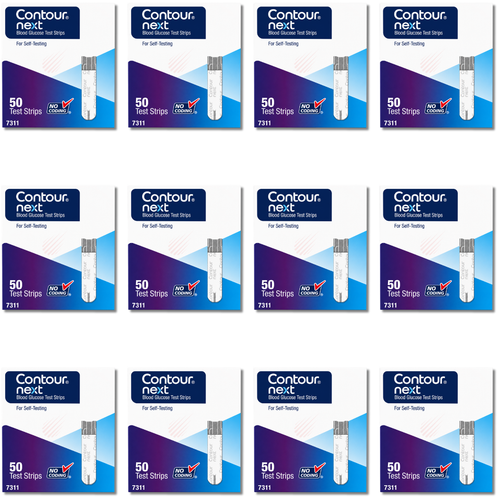

About Xeteor
Xeteor.com, founded in Las Vegas in 2018, is a trusted online store and healthcare product guide specializing in generic over-the-counter medicines, store-brand alternatives, blood glucose test strips, diabetic testing supplies, vitamins, and healthcare essentials.
We help shoppers find the right product when a brand name is too expensive, a store-brand label is confusing, insurance is not being used, or the product they usually buy is out of stock. For OTC products, our approach compares active ingredients, strengths, dosage forms, package sizes, manufacturers, pricing, availability, and fulfillment options. For diabetic testing supplies, we help customers compare meter compatibility, test strip type, expiration dating, package count, price per strip, and out-of-pocket value.
Our product analysis is led by Joe, the Head Xeteorologist, whose Joe’s Translation insights explain generic OTC products and diabetes supply choices in plain English.
We are the creators of the Xeteor Rx Quality Ladder and the Premium vs. Value Generic Drugs framework. These guides help explain how generic OTC products differ by manufacturer, labeler, sourcing model, supply reliability, and delivered value.
Our OTC generic portfolio includes:
- Tier 1 Premium Generics: GoodSense and Foster & Thrive.
- Tier 2 Standard Generics: Geri-Care, Reliable 1 Laboratories, Oncor Pharmaceuticals, and Health Star.
- Tier 3 Value Generics: Major Pharmaceuticals and Rugby Laboratories.
Many customers also come to Xeteor.com for affordable cash-pay diabetic testing supplies, especially blood glucose test strips, meters, lancets, control solution, and related diabetes supplies. Explore our Diabetes Management Guides, including guides for CareSens Test Strips, True Metrix Test Strips, and Original Bayer Contour Test Strips.
Xeteor is top-rated across major platforms including Trustpilot, Google, eBay, Amazon, and Walmart, with over 10,000 customer reviews across major platforms. Our goal is to combine clear product guidance, reliable products, and real human support by phone, email, and text.
For more plain-English comparisons, visit the Xeteor OTC & Diabetes Guides.
Shipping
Orders placed by 3:00 PM PST, Monday through Friday, usually ship the same business day when fulfilled directly from Xeteor. Network and partner-fulfilled items usually ship within 1 to 2 business days through trusted healthcare distribution partners.
We offer free nationwide shipping on orders over $30 and on qualifying Savings Packs. Some orders may ship in multiple packages if items are fulfilled from different locations. View our full shipping policy.
Payment Methods
We accept Visa, Mastercard, Discover, American Express, PayPal, Venmo, Google Pay, and Apple Pay.
Returns
Purchases are backed by our 100-day return policy. We accept eligible unopened, unused items in their original packaging, with no restocking fees. View our complete return policy.
Need Help?
We’re here for you. Reach out via:
- Phone: 1-833-787-4777 (Monday-Friday, 9 AM-5 PM PST)
- Email: cs@xeteor.com
- Text: 702-659-7022
Visit our full Contact Xeteor Customer Service page for more options.
Disclaimer: This content is for informational purposes only and is not a substitute for professional medical advice. Always read and follow the product label. If you have a medical question, ask your doctor, pharmacist, or other qualified healthcare professional.
Important: Xeteor.com sells over-the-counter products, diabetic testing supplies, vitamins, and healthcare essentials. We do not sell, dispense, or fulfill prescription medications. OTC generic comparisons are based on factors such as active ingredient, strength, dosage form, package size, labeling, availability, and practical use case. Diabetes testing supplies must be compatible with the meter or device being used. Inactive ingredients, packaging, taste, texture, sourcing, expiration dating, and fulfillment path can vary.
Frequently Asked Questions
What does a Contour Next error code mean?
A Contour Next error code means the meter detected a problem with the test strip, blood sample, testing conditions, control solution, or the meter itself. The exact meaning can vary by Contour Next meter model.
What does the Contour Next E2 error mean?
On the current Contour Next ONE, E2 means the test strip did not fill completely. On Contour Next GEN and older ONE documentation, E2 means the meter detected a used test strip. In either case, remove the strip and retest with a new Contour Next strip.
What does the Contour Next E8 error mean?
On Contour Next meters that use the broader error-code system, E8 indicates a strip or testing error. Retest with a new Contour Next strip. If E8 continues, contact Ascensia Customer Service.
What does the Contour Next E20 error mean?
E20 indicates a testing error on Contour Next meters that use the broader error-code system. Remove the current strip, insert a new one, and repeat the test. If the error continues, contact Ascensia.
Why are Contour Next error codes different between meters?
Contour Next ONE, GEN, EZ, and other Contour Next meters do not all use identical error-code definitions. Ascensia has also revised its user guides over time, so always match the code to your exact meter model and manual.